Integrating Kimi K2 Model into Claude Code
Introduction
Claude Code is an AI programming assistant launched by Anthropic, featuring powerful code generation and comprehension capabilities. However, due to network environment limitations in some regions, accessing models like Claude Sonnet 4 and Claude Opus 4 can be challenging. Therefore, this article introduces how to switch Claude Code to use the newly released Kimi K2 large model by Moonshot AI, achieving seamless integration and efficient development.
Environment Preparation
- Install the latest version of Node.js
Please visit the Node.js official website to download and install.
- Install Claude Code
Execute in the terminal: npm install -g @anthropic-ai/claude-code
- Register a Kimi API Platform Account and Obtain an API Key
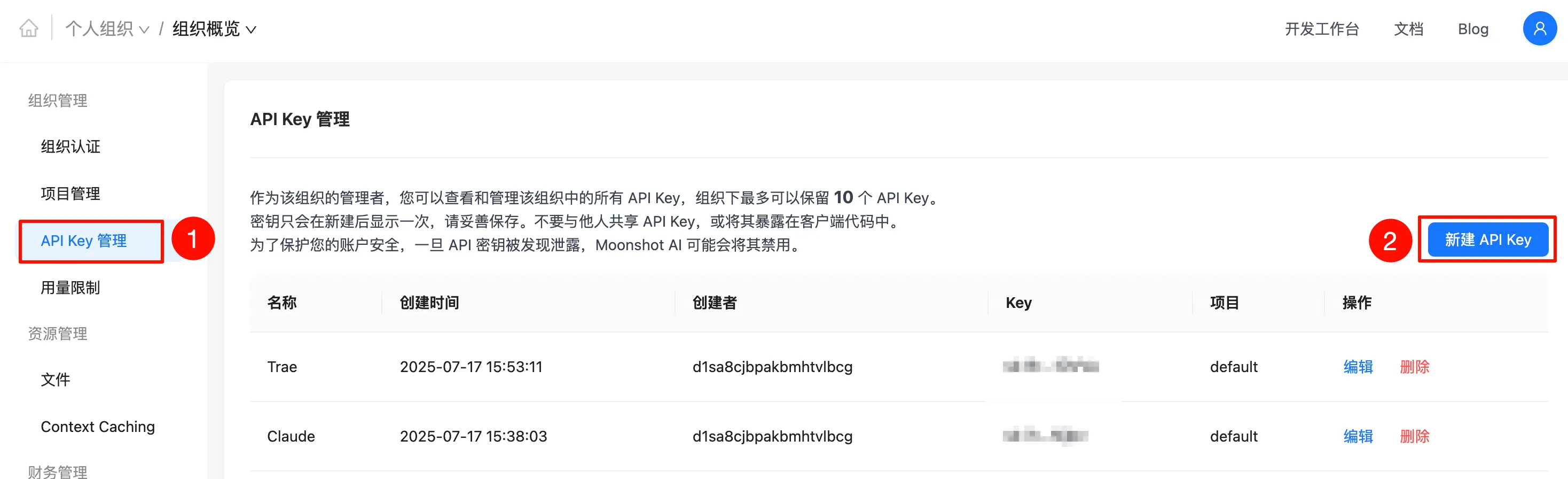
- Open the Kimi API Platform and register an account.
- After logging in, create a new API Key.
- Recharge and Upgrade Account (Highly Recommended)
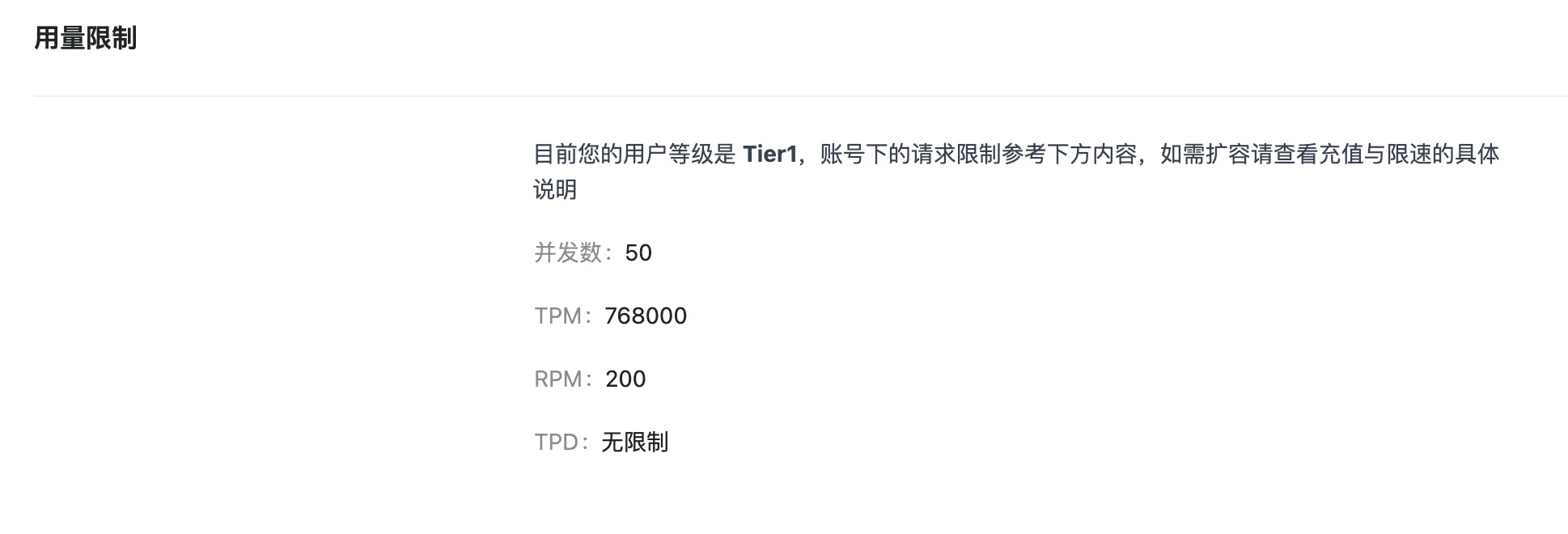
The free tier of the Kimi API has many restrictions. It is recommended to recharge 50 RMB to upgrade to Tier 1, unlocking higher quotas and more stable calling privileges.
API Key Configuration
Modify the default configuration of Claude Code to use custom model capabilities.
Windows
Execute in the Command Prompt:
setx ANTHROPIC_AUTH_TOKEN "Your API Key"
setx ANTHROPIC_BASE_URL "https://api.moonshot.cn/anthropic"
macOS / Linux
Depending on your terminal type, edit the corresponding configuration file:
- Bash users:
~/.bashrc - Zsh users:
~/.zshrc
Add the following content:
export ANTHROPIC_AUTH_TOKEN="Your API Key"
export ANTHROPIC_BASE_URL="https://api.moonshot.cn/anthropic"
After saving, execute source ~/.zshrc or restart the terminal to apply the configuration.
Startup and Model Switching Verification
-
Enter your project directory and run:
claude -
After starting, the Overrides section at the bottom of the interface should display the API Key and API Base information.
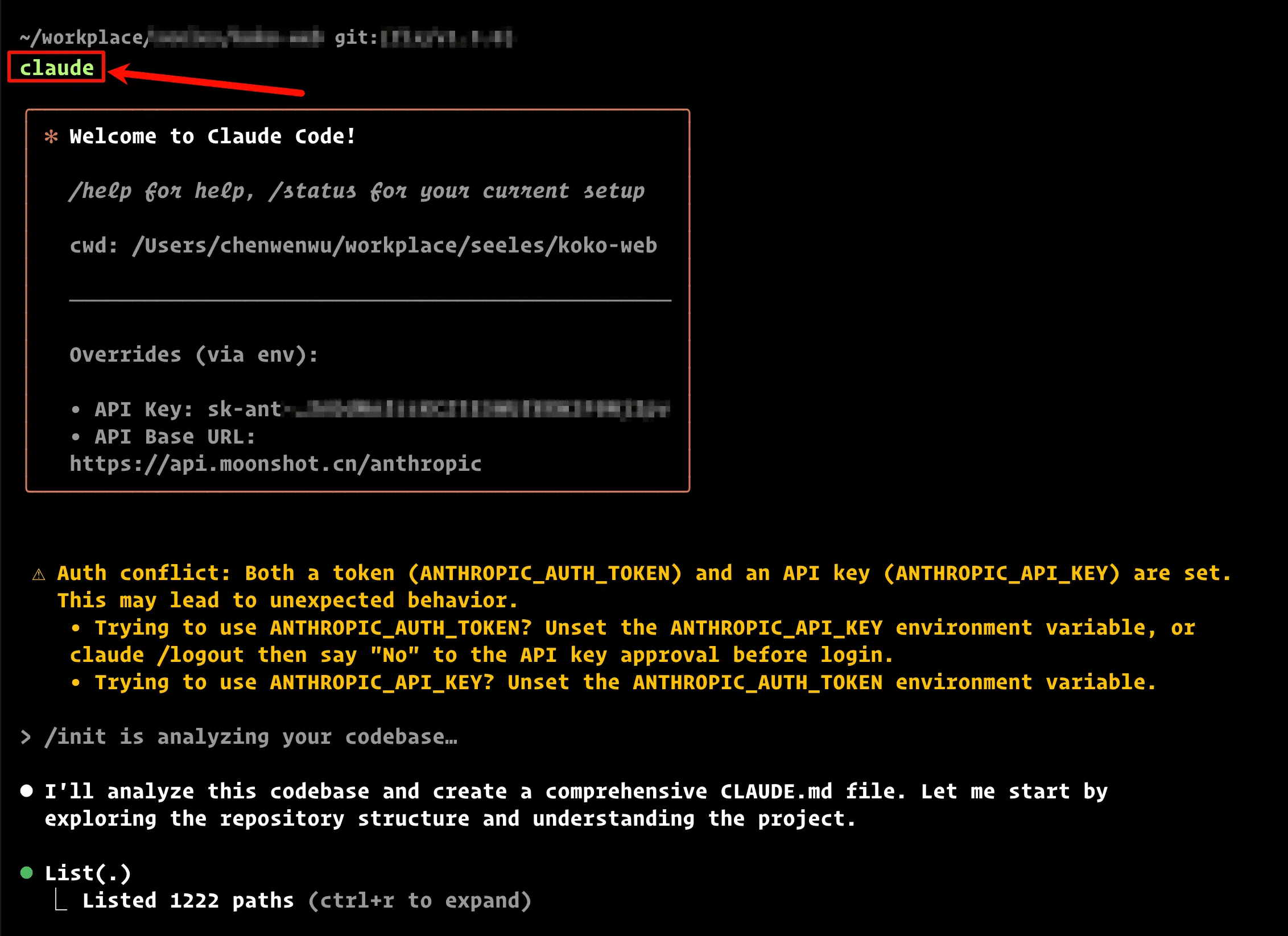
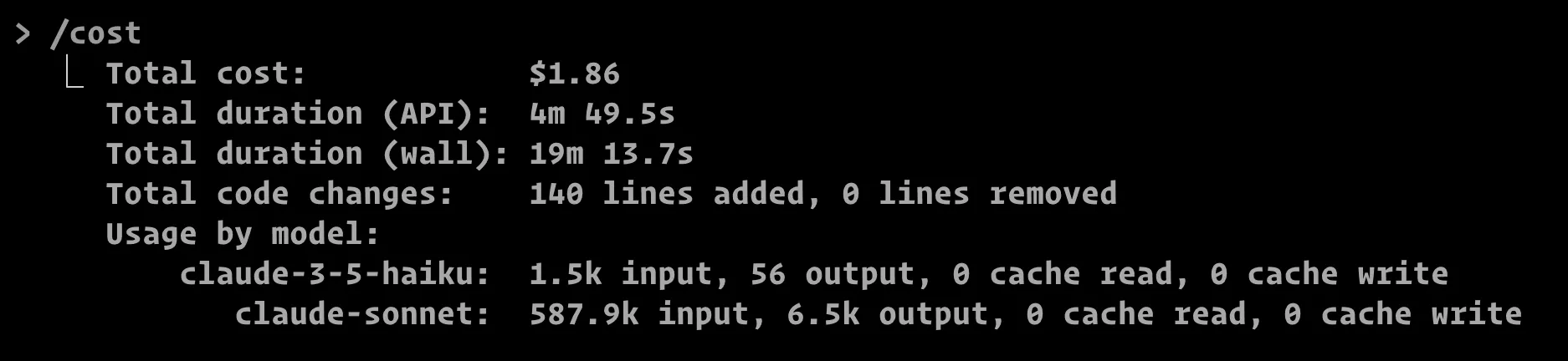
- Type anything (friendly reminder: every input costs money). As long as the tokens are ticking, congratulations, the model is online.

The interface says “claude”, but behind the scenes,
kimi-k2-0711-previewis silently doing the heavy lifting.
Common Issues and Troubleshooting
1. Invalid API Key Configuration:
- Check if the key is correct, or if it has taken effect (restart the terminal/reload the configuration file).
- Exhausted free quota or an unrecharged account will also cause call failures.
2. Unable to Switch Model:
- Confirm whether
ANTHROPIC_BASE_URLis correctly filled ashttps://api.moonshot.cn/anthropic.
3. High Call Costs:
- Every input is billed. It is recommended to plan your call frequency reasonably.
The “Sweet Spot” of the Kimi K2 Model
- Outstanding Coding Capabilities:
- It outperforms GPT-4.1 and DeepSeek-V3 on various leaderboards, handling automation and enterprise development with ease.
- Massive Context, Amazing Memory:
- With 128k tokens, you can easily stuff in hundreds of thousands of words. It can handle long documents and legacy projects effortlessly.
- Attractive Pricing, Compliance Peace of Mind:
- Input costs $1/million tokens, and output costs $3/million tokens. The money saved can buy you a few more cups of coffee.
- Rich Ecosystem, Friendly Interfaces:
- Compatible with the Anthropic protocol, meaning CLI, GUI, and VSCode extensions all work seamlessly.
Notes
- The API Key is sensitive information. Please keep it safe to prevent leakage.
- Free quota is limited; timely recharging is recommended to ensure stable service.
- If you need to switch back to the native Claude model, simply restore the default
ANTHROPIC_BASE_URL. - Costs are billed by tokens; pay attention to controlling your call frequency.
Conclusion
With the above configuration, you can seamlessly integrate the Kimi K2 large model into Claude Code, enjoying an efficient and low-cost intelligent programming experience. Kimi K2 performs excellently in code generation, context processing, and engineering compatibility, making it an ideal choice for developers.